STEP 01
Expand station flow
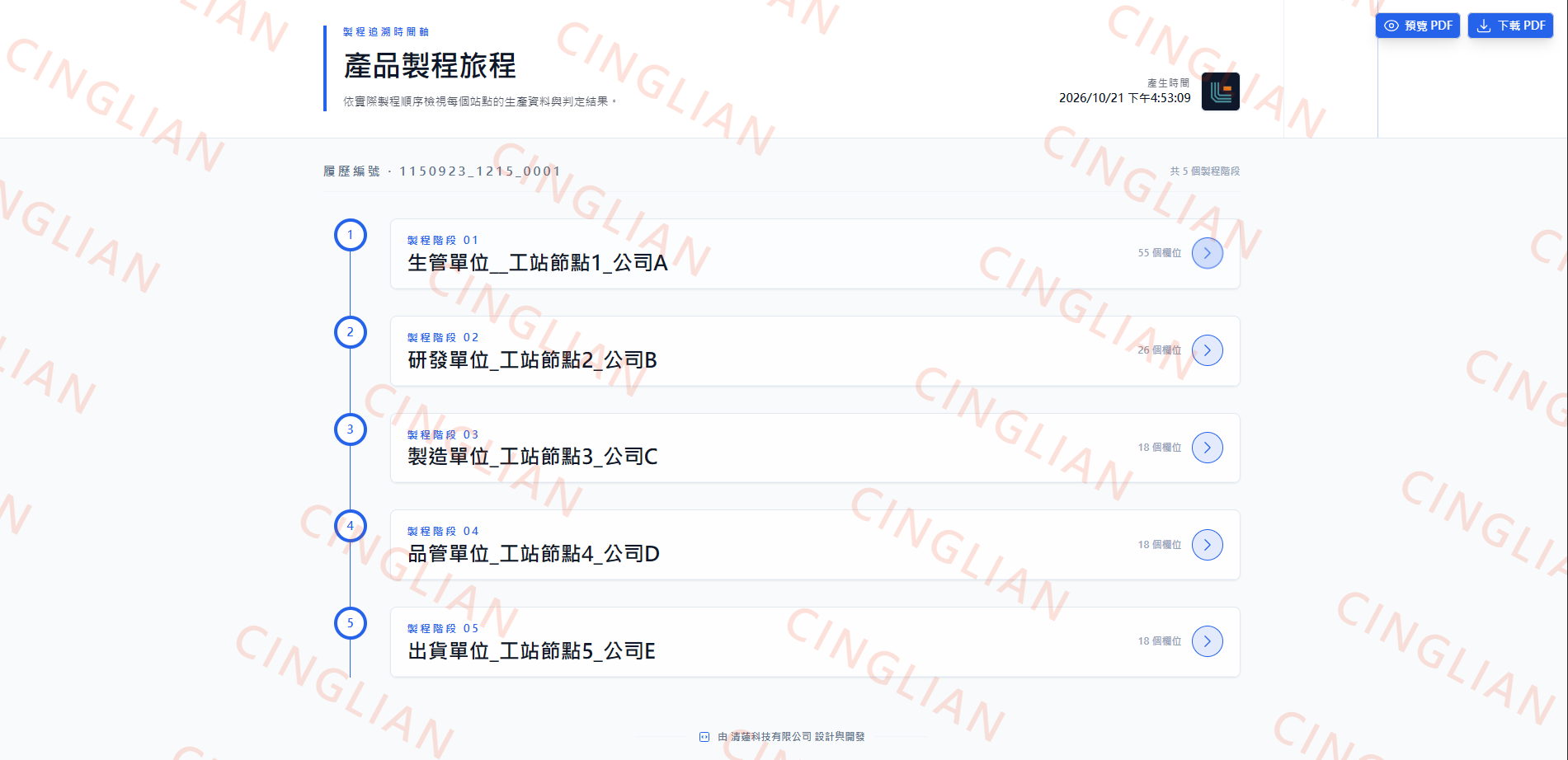
The report starts from a multi-station list so managers and operators can quickly see which department and station each product has passed through.

CUSTOM TRACEABILITY / PROCESS RECORDS
Connect station records, retrieve product histories by QR code, export reports and track progress. Choose report layouts, colours and watermarks to match your brand.
01 / TRACEABILITY FLOW
Explore stations and records, retrieve histories by QR code, export reports and monitor progress.
STEP 01
The report starts from a multi-station list so managers and operators can quickly see which department and station each product has passed through.
STEP 02
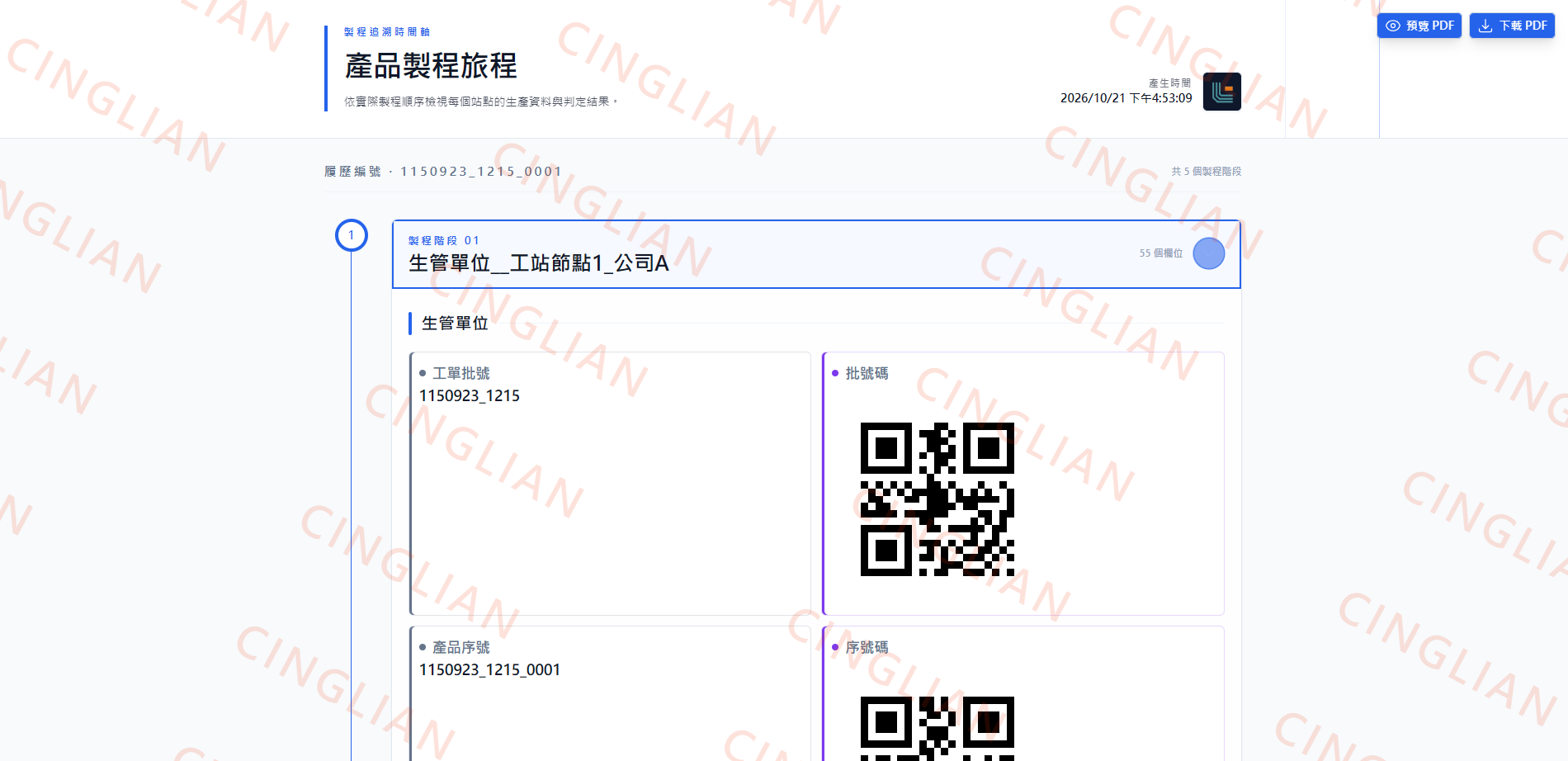
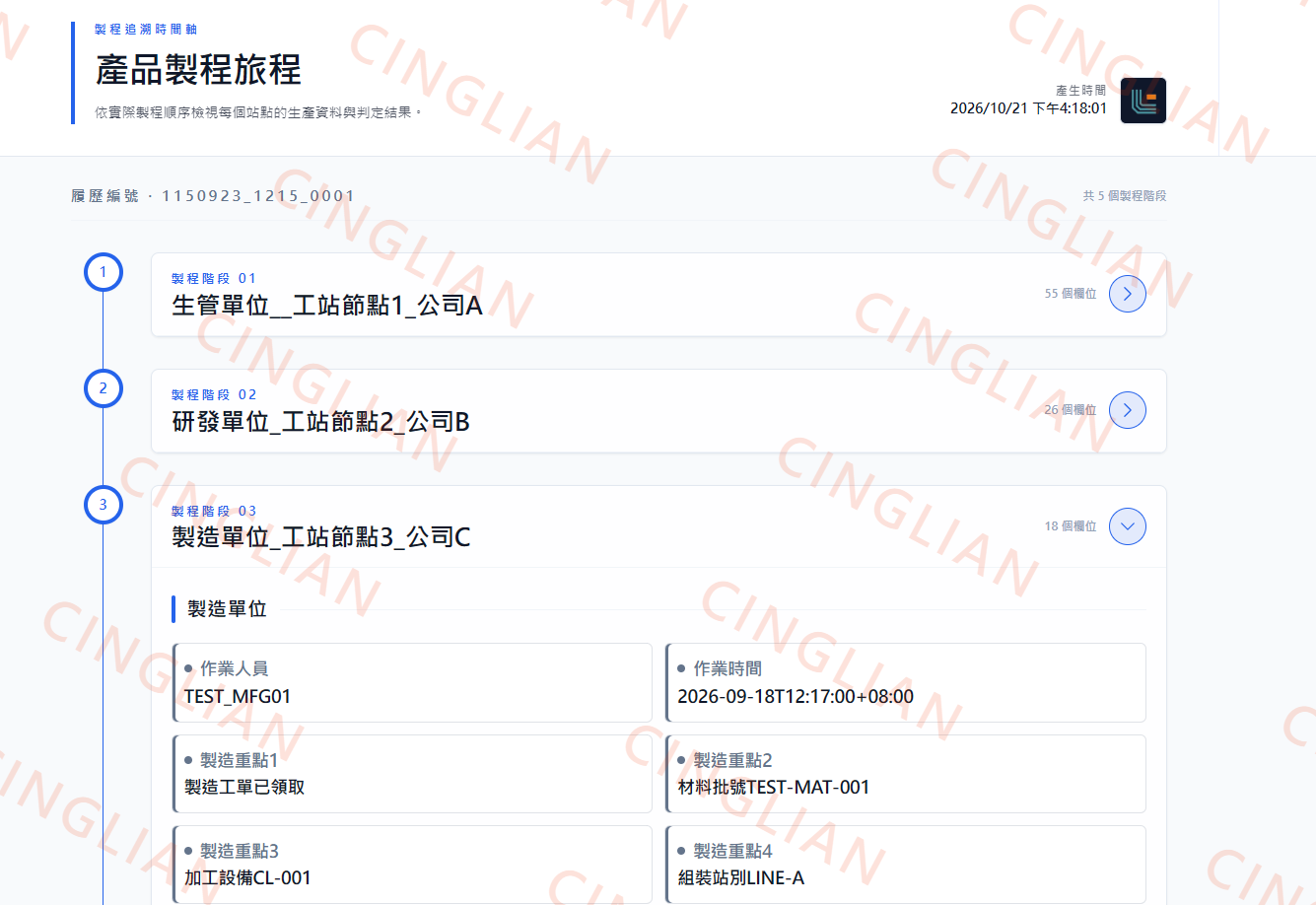
After opening a station, the page shows operator, timestamps, key checkpoints, and the linked work order or serial number for that specific step.
 Single-station trace detailsOpen full-size image
See operators, timestamps and manufacturing notes in a sample station. Open the original image for a closer look.
 Open full-size image
STEP 03
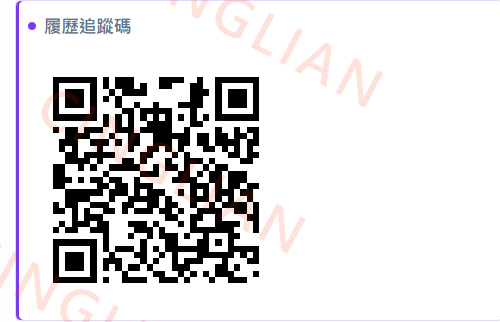
When the product is finished, the traceability QR code links the finished item back to its work order, serial record, and station history immediately.
Try the traceability demo (New window)STEP 04
Once the data is complete, the system can generate a PDF report with attachments, hyperlinks, SOP references, and audit-ready records.
STEP 05
After the product and report are ready, the command dashboard updates status, completion ratio, and department progress for live management.
02 / REPORT STYLES
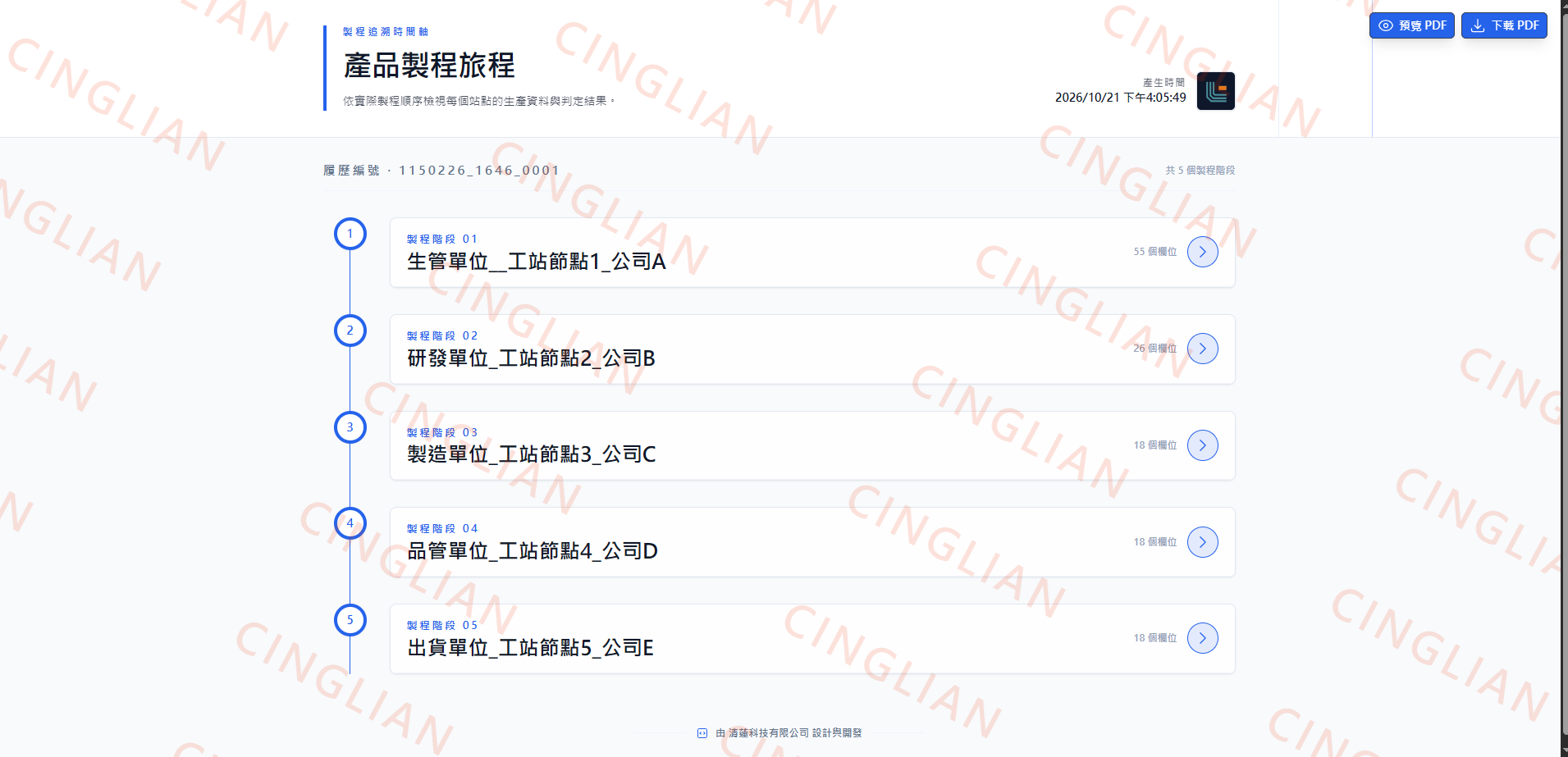
Three currently available presets, shown in actual system screenshots with sample data. PDF buttons shown inside the images are part of the screenshots.
03 / PRESENTATION SETTINGS
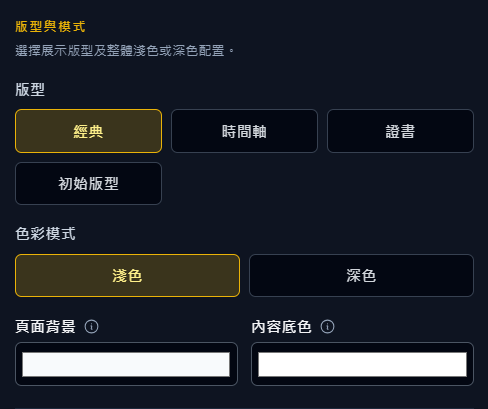
Choose one of the four setting groups to view its panel and available options.
Classic, timeline, certificate and initial layouts; light or dark mode, page background and content colour.
 Open full-size image (New window)
Preset code, name, enabled state and company default; company code, page code and traceability ID or product serial number.
This section describes the available options. Changes are made in the traceability system’s presentation settings panel.
04 / APPLICATION
Automated data records solve missing work records and traceability gaps.
Quality audit documents are generated automatically with standardized formats to reduce human omissions.
Complete production traceability supports precision manufacturing, export, medical, and similar requirements.
Production-site information is visualized in dashboards so decisions can be faster and more effective.
Scanning and dashboards show station progress, output status, and bottleneck alerts together.
Reports, meetings, acceptance checks, and quality analysis all come from one unified platform source.

NEXT / YOUR REPORT
Share your data sources, process stages and preferred report format so we can plan an appropriate integration.